Prerequisites:
Create remote unit
To get started with remote runs, create a new unit at https://otaco.app/dashboard/units and choose the “remote” option. Select the version of Terraform / OpenTofu you want to use.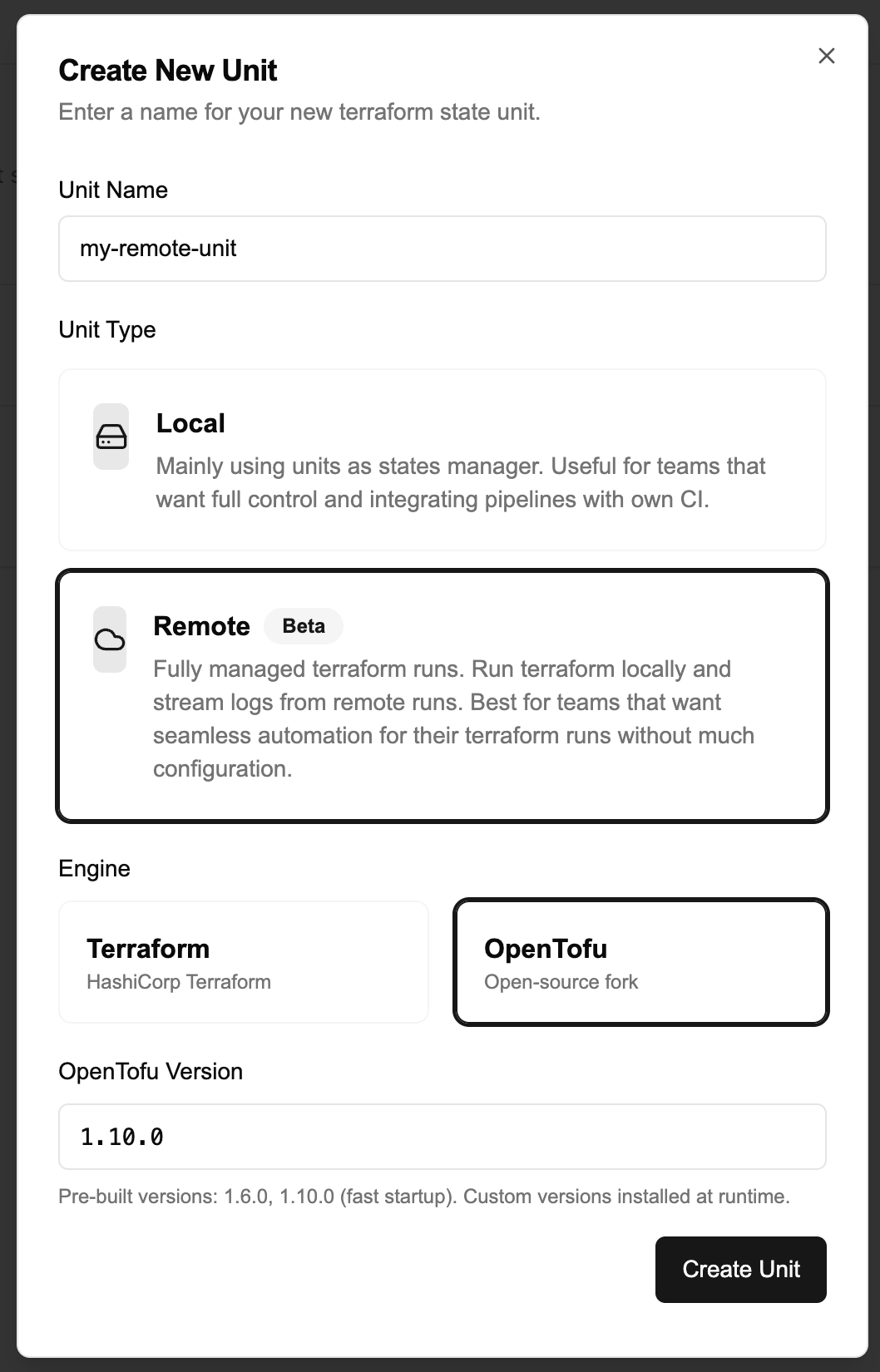
A set of prebuilt sandbox images for specific Terraform / OpenTofu versions exist to speed up sandbox provisioning.The set of images at the time of publishing can be seen HERE.You can use arbitrary versions, but doing so will slow sandbox startup because Terraform / OpenTofu will be install upon startup
Configure cloud block
After creation, use the remote unit in the same way we did for for a local unit.Create a
main.tf:Your cloud block should follow this structure (replace placeholders with your real values from the unit details page https://otaco.app/dashboard/units > View Details):Authenticate with Terraform / Opentofu
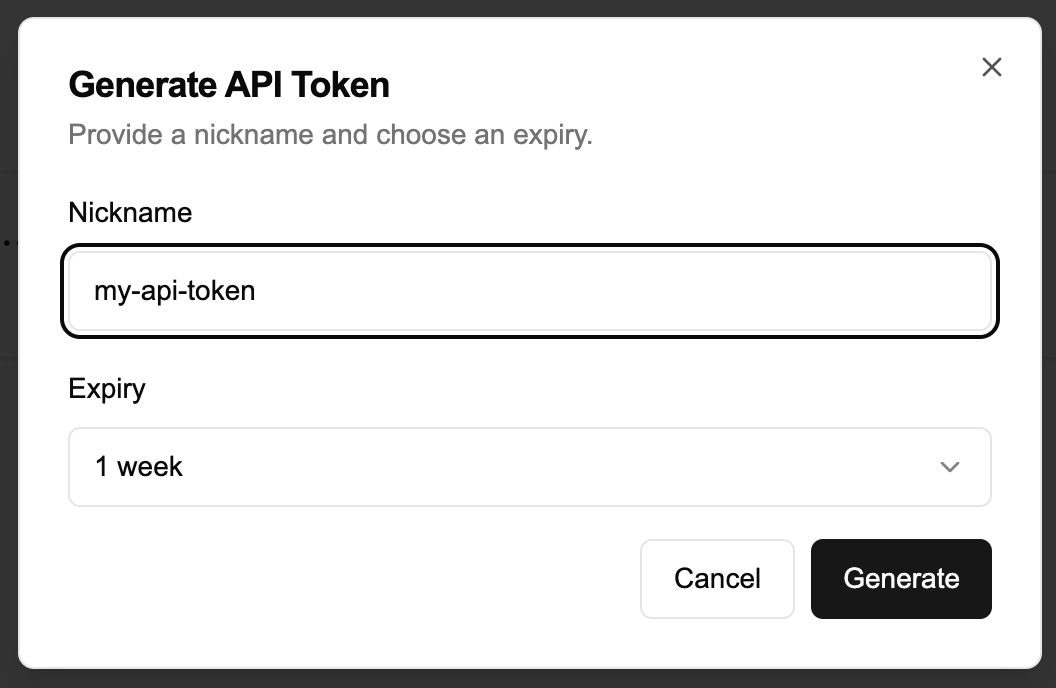
If you haven’t already, using the cli you can run the following command to authenticate:You will have to confirm and will then be redirected to a token generation page. This page
will allow you to generate a token and you can copy paste it back into the cli.